ExplainedHousehold
How Do Smart Plugs Work? A Plain Guide for Everyday Rooms
Smart plugs switch ordinary devices on and off from a phone, schedule or voice assistant. How they work, what suits them, safety limits and a tidy setup.
3 min read
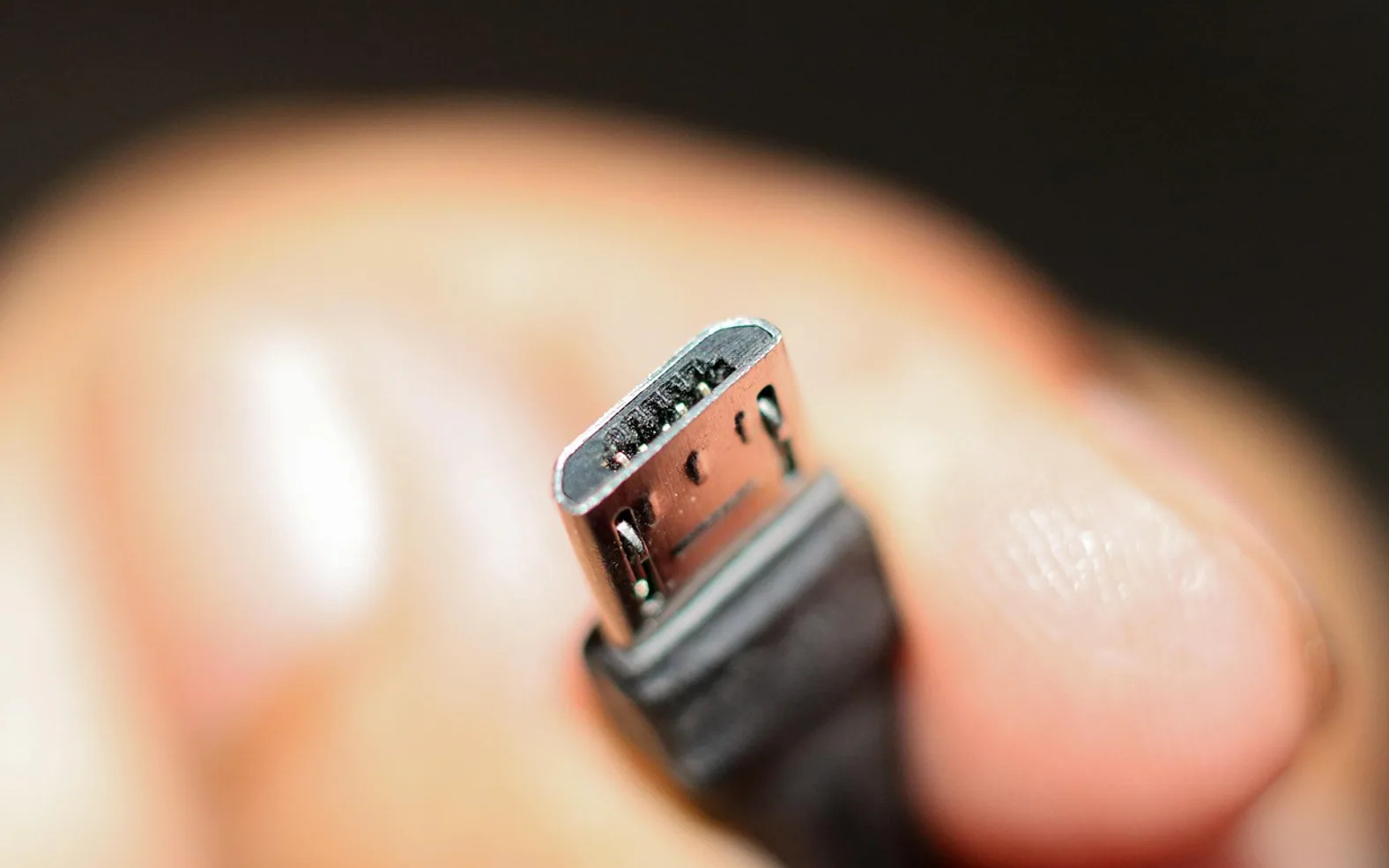
A smart plug is the gentlest way into home automation. There is no rewiring and no new appliance to buy: it plugs into a normal wall socket, the lamp or fan plugs into it, and an app on your phone takes over the switching. Yet the little adapter raises fair questions. How does it talk to the phone? What should never be plugged into one? And is it actually useful once the novelty fades?
What happens inside
At its heart, a smart plug is a relay (an electrically controlled switch) paired with a small radio. The radio receives a command, the relay opens or closes, and the device plugged into it loses or gains power. The device itself does not need to be "smart" at all. A smart plug cannot dim a lamp or change a fan speed; it simply turns the power on or off.
The radio uses one of a few common methods to receive its commands:
| Connection | How it links up | Worth knowing |
|---|---|---|
| Wi-Fi | Joins the home network directly | No extra hub; many plugs only use the 2.4 GHz band |
| Bluetooth | Talks straight to a nearby phone | Simple, but short range and limited remote control |
| Zigbee or Z-Wave | Connects through a separate hub | Good for larger setups with many devices |
| Thread with Matter | Newer standard designed to work across brands | Needs a compatible controller in the home |
What smart plugs are good for
- Lamps on a schedule: lights that come on at dusk make an empty home look lived-in and save fumbling for switches.
- Morning routines: a bedside radio or a desk lamp that switches on at the same time each weekday.
- Standby cut-off: a TV corner with a console, speaker and set-top box can be powered down entirely at night.
- Seasonal decorations: festive lights that switch on and off without anyone crawling behind the tree.
- Checking on usage: some plugs show how much energy a device draws, which helps spot a hungry appliance.
For outdoor lighting the same idea works, provided the plug is rated for outdoor use or the switching happens indoors. Our guide to choosing efficient outdoor LED spotlights pairs well with a schedule of this kind.
What to keep off a smart plug
Every plug has a maximum load printed on it or in its manual. Staying well within that limit matters, and some devices are better left on a normal socket altogether.
- High-power heating appliances such as fan heaters, unless the plug's rating clearly covers them and the maker of the appliance allows it.
- Anything that should not restart unattended, such as an iron or a hair straightener.
- Devices that need a controlled shutdown, like a desktop computer or a network-attached storage drive, which can lose data if the power simply disappears.
- Medical or safety equipment, which needs a reliable, direct supply.
Check that the plug carries the safety marks used in your country, and avoid stacking it into extension leads or adapters.
Setting one up
- Install the maker's app or the smart-home app you already use, and check that the plug works with it.
- Plug the smart plug into a wall socket near the router for the first setup.
- Follow the pairing steps, which usually involve holding a button until a light blinks.
- Give it a clear name that says what it controls, such as "reading lamp" rather than "plug 2".
- Move it to its final socket, test the on and off switching, then add schedules or routines.
Privacy and security
A Wi-Fi smart plug is a small computer on your home network, so it deserves the same care as any other connected gadget. Use a strong, unique password for the app account (a password manager makes that painless), turn on two-step sign-in where offered and accept firmware updates when the app suggests them. Before buying, look at whether the brand has a track record of updates and whether the plug keeps working on your local network if the maker's cloud service is unavailable.
If you pass a plug on, remove it from your account and reset it to factory settings first.
Is it worth it?
For most homes, one or two smart plugs earn their place quickly: a lamp that greets you in the evening, a TV corner that powers down at bedtime. Starting small makes it easy to learn what is genuinely useful before adding more. The best smart plug is the one you forget about because it simply does its job, quietly, every day.
Across the sections
Editor’s picks
 TechnologyAI Headshot Generators: The Fast Track to Professional-Looking Photos3 min
 BusinessEnhancing RAG Systems Through User Feedback2 min
 TechnologyWhat Is a Streaming Stick? A Plain Look at the Plug-In TV Gadget4 min
 BusinessFrom Nigeria to the World: Exploring Citizenship by Investment Programs Abroad3 min
Spotted a mistake?
Suggestions help us plan.
Also explained in Household
 Household
 Living Room Setup for Winter Evenings: Light, Sound, Warmth and a Ready Screen
5 min Creator Studio
 Three-Point Lighting for Video Calls: Key, Fill and Back Light at Home
5 min- Technology
What Is a Streaming Stick? A Plain Look at the Plug-In TV Gadget
4 min  Internet
 What Is a Powerline Adapter? Wired Internet Through the Wall Socket
4 min Household
 DIY Move or Professional Movers? How to Choose the Right Option
3 min Finance
 Speed and Certainty: A Close Look at Fast Bridging Loans in the United Kingdom
3 min