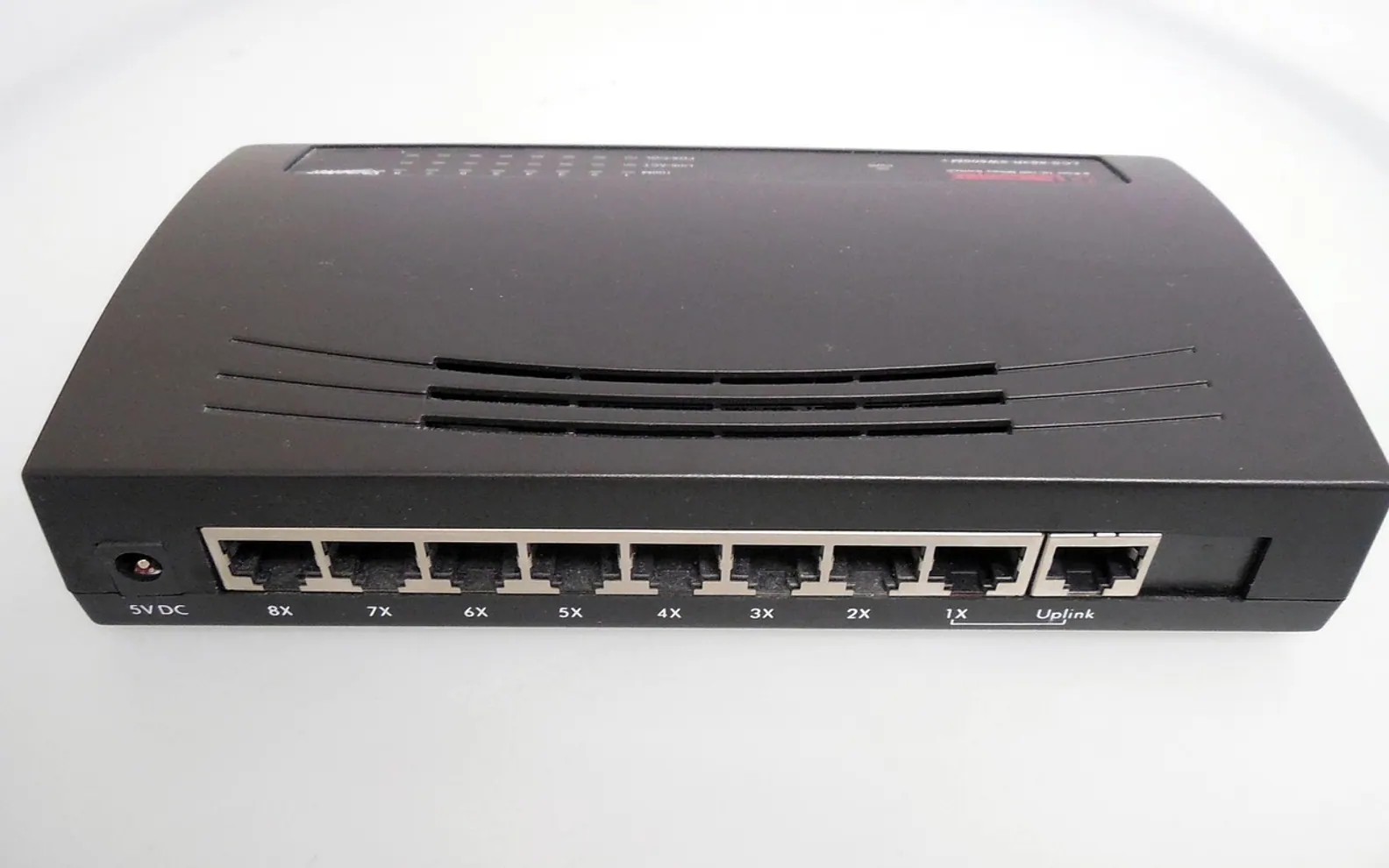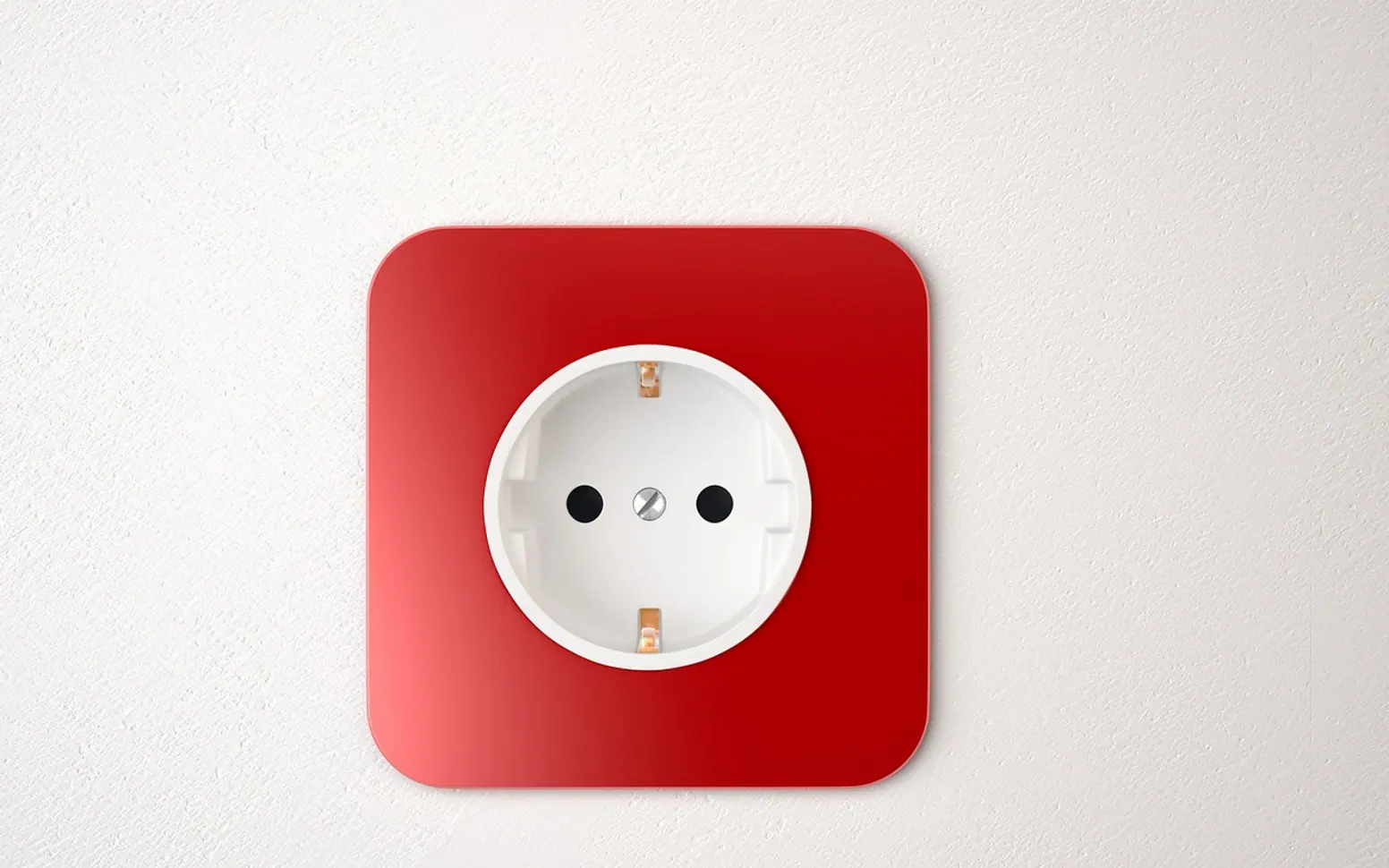
Most homes have one room the Wi-Fi never quite reaches. It might be a loft office, a bedroom at the end of a long hallway or a garden room behind thick walls. Running a long network cable from the router is the classic fix, but few people want cables along the skirting boards or holes through the floor. A powerline adapter offers a middle path: it uses the electrical wiring that is already inside the walls to carry the network from one socket to another.
How powerline works
A powerline kit normally comes as a pair of plug-in units. The first plugs into a wall socket near the router and connects to it with a short network cable. The second plugs into a socket in the room that needs a connection. The adapters send the network signal over the house wiring at frequencies that sit alongside the ordinary electricity without affecting it, and the second unit turns that signal back into a normal network connection.
From there, a TV, games console or desktop computer connects to the second adapter with a cable, exactly as it would to the router. Some models also include a Wi-Fi access point, which creates a fresh wireless signal in the far room.
When a powerline kit makes sense
- Thick or awkward walls: stone, brick and concrete absorb Wi-Fi, while the mains wiring passes straight through.
- A fixed device far from the router: a smart TV or console that never moves benefits most from a cabled link.
- Rented homes: no drilling, no permanent changes, and the kit leaves with you when you move.
- Video calls in a back room: a wired link often gives steadier timing than a weak wireless one.
Where it can struggle
Powerline performance depends heavily on the wiring it travels through, so results vary from home to home and are hard to predict from the box alone. The speed printed on the packaging describes the technology under ideal conditions; real-world results are usually lower.
| Situation | Why it matters | What to try |
|---|---|---|
| Adapter in an extension lead | Surge protectors and multi-way strips can filter the signal | Plug the adapter directly into the wall |
| Sockets on different circuits | The signal may weaken crossing between circuits | Test several sockets in the target room |
| Noisy appliances nearby | Chargers, motors and some lamps add electrical interference | Move the adapter away from heavy-use sockets |
| Older wiring | Long or aged cable runs reduce throughput | Compare against a mesh or Wi-Fi extender option |
Setting up a pair, step by step
- Plug the first adapter into a wall socket close to the router and connect them with the included network cable.
- Plug the second adapter into a wall socket in the room where you need the connection.
- Wait for the link light to come on. Many kits pair automatically; others need a press of the pairing button on each unit within a short window.
- Connect the device in the far room with a network cable, or join the adapter's own Wi-Fi network if it has one.
- Run a speed test both near the router and through the adapters, so you know what the link really delivers.
If the numbers on that test feel hard to interpret, our guide to what Mbps actually measures explains the difference between bandwidth and delay and how to read each part of the result.
Security and housekeeping
Powerline signals can travel a little beyond the walls of a home in some buildings, especially where flats share electrical infrastructure. Most kits encrypt the link between paired adapters, and the pairing button is what sets that up. It is worth pairing the units deliberately rather than relying only on the factory settings, and checking the maker's support page now and then for firmware updates.
When adding an adapter later, pair it with the existing set rather than starting a new network. And if a kit is ever passed on or sold, reset the adapters to clear the old pairing.
Powerline, mesh or a cable?
None of the options is always best. A long network cable remains the most predictable connection when it is practical to run one. Mesh Wi-Fi systems spread a wireless signal across a large home and suit phones and laptops that move around. Powerline sits between the two: it is quick to set up, needs no new holes and gives fixed devices a wired connection, with speed that depends on the house it is plugged into.
For a living room where the TV streams most evenings, that trade-off often works well. The internet television boom has made a steady link to the main screen more important than ever, as our piece on how internet TV shapes a fresh viewing style describes. If the room with the screen is the one the Wi-Fi forgets, a pair of adapters in the wall sockets is often the least disruptive fix to try first.
Across the sections
Editor’s picks
 TechnologyAI Headshot Generators: The Fast Track to Professional-Looking Photos3 min
 BusinessEnhancing RAG Systems Through User Feedback2 min
 TechnologyWhat Is a Streaming Stick? A Plain Look at the Plug-In TV Gadget4 min
 BusinessFrom Nigeria to the World: Exploring Citizenship by Investment Programs Abroad3 min
Spotted a mistake?
Suggestions help us plan.