ExplainedCreator StudioTechnology
What Is Frame Rate? 24, 30 and 60 fps for Video Made Clear
Frame rate is how many pictures a video shows per second. What 24, 30 and 60 fps look like, the 180-degree shutter rule, flicker fixes and slow motion basics.
5 min read
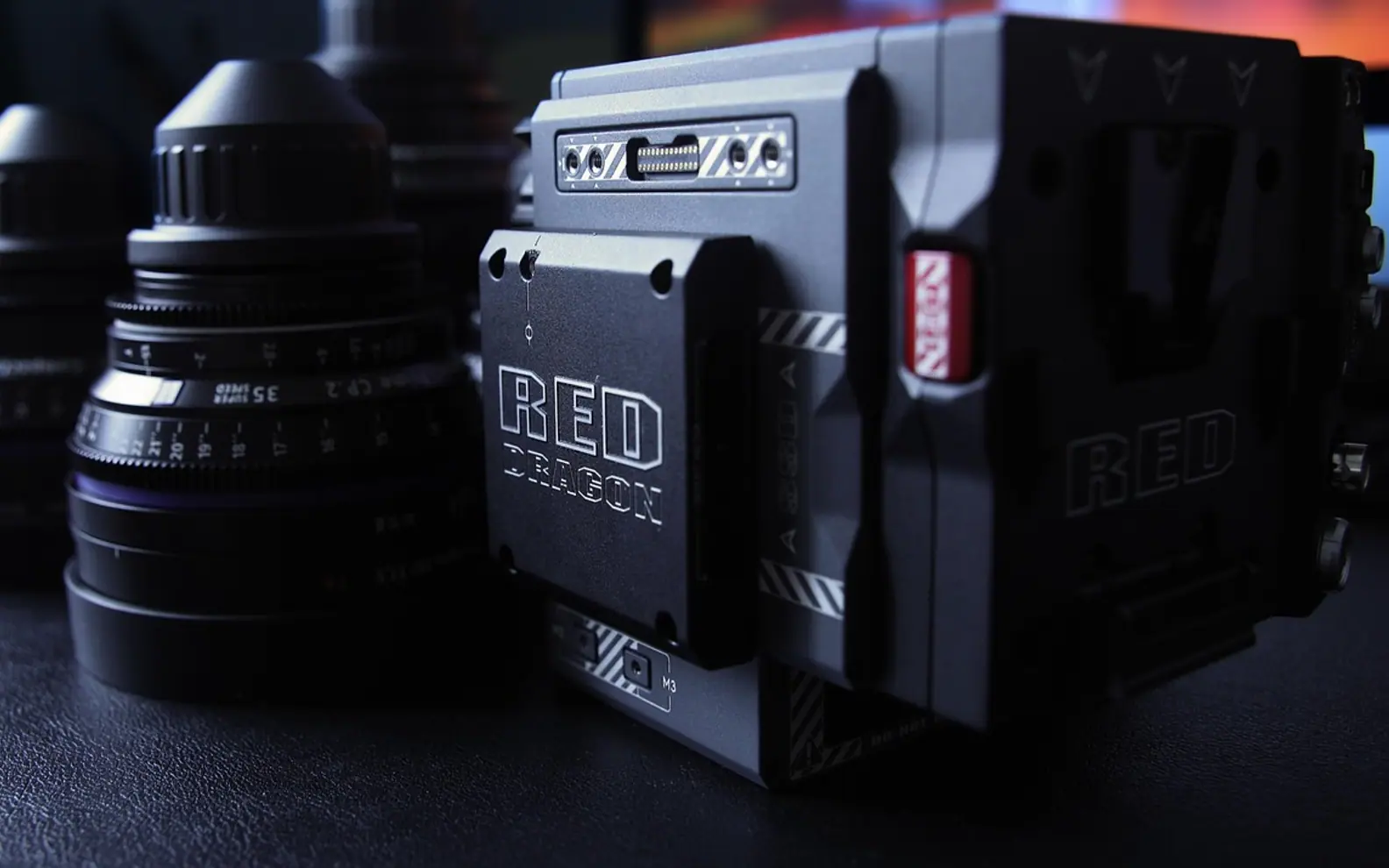
Frame rate is the number of still images, called frames, that a video displays every second. It is written as frames per second, or fps. Show enough slightly different pictures quickly enough and the brain reads them as smooth movement. The everyday choices are 24, 25, 30, 50 and 60 fps, and each gives motion a slightly different character.
How the number changes what viewers see
A lower frame rate captures fewer moments per second, so each frame carries a little more motion blur and movement looks softer. A higher rate records more moments, so motion appears crisper and closer to how the scene looked in person. Neither is better across the board. The right rate depends on the subject, the mood and where the finished video will play.
| Frame rate | How motion feels | Typical uses |
|---|---|---|
| 24 fps | Soft, filmic | Short films, drama, music videos, anything chasing a cinema look |
| 25 fps | Almost identical to 24 | Television and online video in regions with 50 Hz mains power, including the UK and most of Europe |
| 30 fps | A shade more immediate | Vlogs, tutorials, screen recordings, television in 60 Hz regions such as North America |
| 50 / 60 fps | Smooth and very clear | Sport, gameplay capture, fast action, footage meant for gentle slow motion |
| 120 fps and above | Ultra-smooth source material | Slow motion when played back at 24, 25 or 30 fps |
24 fps vs 30 fps
Side by side, the difference is subtle but real. Twenty-four frames per second has been the cinema standard since the arrival of sound film, and audiences link its gentle blur with movies. Thirty frames looks slightly more immediate, which suits presenters talking to camera, product demonstrations and screen recordings where scrolling text needs to stay readable. When a project has to sit alongside existing footage, matching that footage matters more than either look.
30 fps vs 60 fps
Doubling the rate makes fast movement far clearer: a ball in flight, a quick camera pan, a character sprinting across a game world. That is why gameplay capture and sport lean towards 60 fps. The costs are larger files, heavier editing work and a hyper-real look that can feel wrong in a calm interview. Higher rates also need more light, since each frame gets less time to gather it.
Gamers already know part of this vocabulary. Inside a game, a higher frame rate also shortens the wait for each fresh image, which is one link in the chain described in the explainer on input lag and why controls can feel slow.
Frame rate vs shutter speed: the 180-degree rule
These are separate settings that work as a team. Frame rate decides how many pictures are taken each second; shutter speed decides how long each one is exposed. A long-standing guideline known as the 180-degree shutter rule sets the shutter at roughly double the frame rate:
- 24 or 25 fps: 1/50 second
- 30 fps: 1/60 second
- 50 fps: 1/100 second
- 60 fps: 1/120 second
Sticking close to it produces the amount of motion blur most viewers find natural. A much faster shutter creates a choppy, staccato effect that some action scenes use on purpose, while a much slower one smears movement. In bright sun the rule can push the image into overexposure, which is why video shooters carry neutral density (ND) filters to cut light without touching the shutter.
Flicker and the local mains frequency
Many indoor lights brighten and dim in step with the alternating current that feeds them, at a rate tied to the mains frequency: 50 Hz in the UK and most of Europe, 60 Hz in North America. If the camera shutter does not line up with that rhythm, faint bands roll across the picture. Setting the shutter to 1/50 or 1/100 in 50 Hz countries, or 1/60 or 1/120 in 60 Hz countries, usually clears it. The same electrical split helps explain why 25 fps took hold in one half of the world and 30 fps in the other.
Slow motion: record high, play back low
Smooth slow motion is a frame rate trick. Record at 60 fps, conform the clip to a 30 fps timeline, and every second of action stretches across two seconds of playback with no missing frames. Recording at 120 fps and playing at 30 gives quarter speed. Footage slowed down in an editor without those extra frames tends to stutter, because the software has to repeat or blend pictures to fill the gaps.
Picking one rate for a project
- Choose the feel first: filmic (24 or 25), everyday online (25 or 30) or ultra-smooth action (50 or 60).
- Follow the regional standard if the video will be broadcast or shown next to local television material.
- Set the camera and the editing timeline to the same rate before cutting begins. Mixing 25 and 30 fps clips on one timeline is a common source of stutter.
- Export at the timeline rate. Converting at the last minute rarely looks as clean.
Frame rate sits beside resolution and aspect ratio in most camera menus, and the three are easy to confuse. It also affects uploading. More frames per second at the same quality means more data, so a 60 fps file takes longer to send and a 60 fps live stream asks more of the connection. The upload number described in the guide to what Mbps means on a speed test is the one that counts when you are the person sending video.
Frame rate questions
What is the difference between frame rate and refresh rate?
Frame rate belongs to the video or game: how many new images it produces each second. Refresh rate belongs to the screen and is measured in hertz: how many times per second the display redraws. A 60 Hz monitor can show a 24 fps film, but it has to hold some frames slightly longer than others, which can cause a faint judder during slow pans.
Why do some cameras offer 29.97 instead of 30?
It is a leftover from colour television in 60 Hz regions, where the rate was nudged just below 30 so the colour signal and the sound carrier would not interfere. Many cameras still record at 29.97 or 23.976 to stay compatible with that standard.
Is a higher frame rate always the better choice?
No. It is a creative and practical decision. Silky 60 fps can make a drama look like a live sports broadcast, while 24 fps can make fast gameplay look smeared.
Across the sections
Editor’s picks
 TechnologyAI Headshot Generators: The Fast Track to Professional-Looking Photos3 min
 BusinessEnhancing RAG Systems Through User Feedback2 min
 TechnologyWhat Is a Streaming Stick? A Plain Look at the Plug-In TV Gadget4 min
 BusinessFrom Nigeria to the World: Exploring Citizenship by Investment Programs Abroad3 min
Spotted a mistake?
Suggestions help us plan.
Also explained in Creator Studio
 Creator Studio
 What Is a Jump Cut? J-Cuts, L-Cuts and Other Basic Video Edits
4 min Creator Studio
 What Is B-Roll? Cutaway Footage That Keeps Videos Watchable
4 min Creator Studio
 What Does Royalty-Free Mean? Music for Videos and Podcasts Explained
4 min Creator Studio
 Colour Correction vs Colour Grading: What Each Editing Step Does
4 min Creator Studio
 Three-Point Lighting for Video Calls: Key, Fill and Back Light at Home
5 min Creator Studio
 Dynamic vs Condenser Microphone: Choosing and Setting Up a Podcast Mic
5 min