ExplainedGamingTechnology
What Is Input Lag? Why Your Game Feels a Beat Behind
Input lag is the delay between pressing a button and seeing it on screen. Where it comes from, how it differs from network lag and the settings that cut it.
3 min read
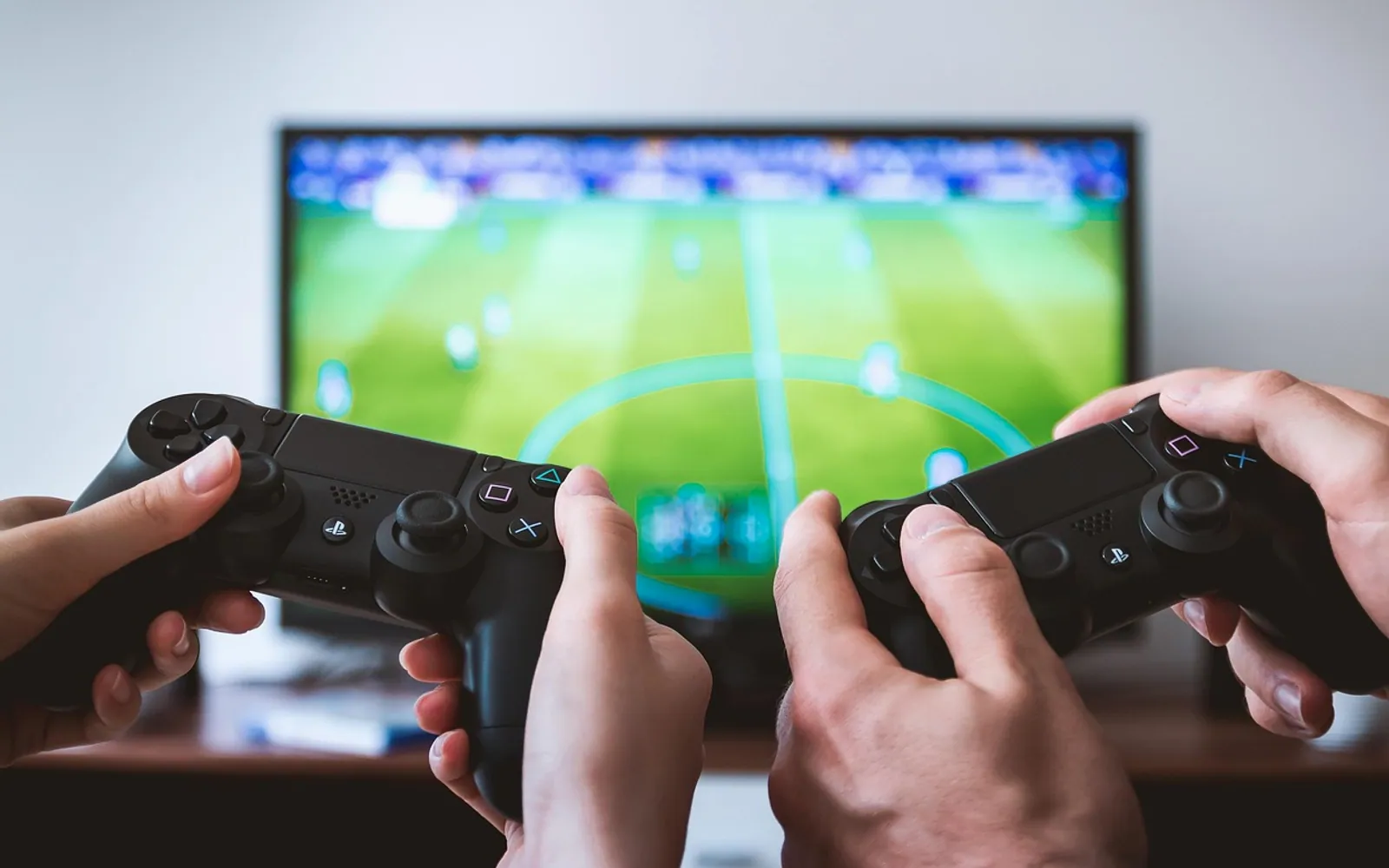
You press the button, and the character jumps a fraction of a second later than you expected. Nothing is broken, the picture looks sharp, yet the game feels heavy and slightly out of step. That sensation has a name: input lag. It is one of the most common complaints when a console moves to a new TV, and one of the easiest to improve once you know where it comes from.
Input lag in one sentence
Input lag is the total time between an action on a controller, keyboard or mouse and the moment the result appears on screen. It is measured in milliseconds, and it builds up along a chain: the controller sends a signal, the console or computer processes it, the game draws a new frame, and the display shows that frame.
Every link in that chain adds a little delay. Most of the time, the biggest single contributor is the display itself.
Input lag versus network lag
Online players often mix the two up, but they are separate problems with separate fixes.
| Input lag | Network lag (latency) | |
|---|---|---|
| What it is | Delay inside your own setup | Delay travelling to and from a game server |
| Affects | Every game, online or offline | Online play only |
| Typical signs | Controls feel heavy or floaty | Players jump around, hits register late |
| Main fixes | Display mode, controller connection, frame rate | Wired connection, server region, less background traffic |
If the delay is the same in a single-player game with the internet unplugged, it is input lag. If it only appears online and changes from match to match, the connection is the more likely culprit. Our explainer on Mbps and speed tests shows how to read the latency figure separately from download speed.
Where the delay hides
The TV's picture processing
Modern TVs work hard to make films look smooth and vivid. Motion smoothing, noise reduction and sharpening all need time to analyse each frame before showing it. For a film, that delay is invisible. For a game, it is felt in the hands.
Wireless controllers
Wireless controllers add a small amount of delay, usually far less than the display. A low battery or a crowded wireless environment can make it worse.
Frame rate
A game running at a higher frame rate shows new images more often, so the result of a button press reaches the screen sooner. Some games let players choose between a "quality" mode with more detail and a "performance" mode with a higher frame rate.
Extra boxes in the chain
Soundbars, receivers and capture devices that sit between the console and the TV can add their own processing. Many pass the signal straight through, but not all.
Practical ways to reduce it
- Turn on Game Mode. Most TVs have a mode that switches off heavy processing. Some switch to it automatically when a console is detected; others need it set by hand for that HDMI input.
- Use the right HDMI port. On some TVs only certain ports support the newest gaming features. The labels on the back or the manual will say which.
- Switch off motion smoothing. If Game Mode is not available, turning off smoothing and noise reduction manually helps.
- Try a performance mode in games. A higher frame rate often feels more responsive than a slightly sharper picture.
- Charge or cable the controller. A fresh battery or a USB cable removes one small source of delay.
- Simplify the chain. Connect the console straight to the TV and send sound to the speaker another way, if your setup allows it.
How to judge your own setup
Specialist tools exist to measure display lag precisely, but most players do not need them. A simple comparison works: play the same short section of a familiar game with the TV in its standard mode and then in Game Mode. Rhythm games and platformers make the difference especially clear. If the second run feels snappier, the processing was adding noticeable delay.
When comparing TVs or monitors before a purchase, look for independent reviews that publish measured input lag in game mode, and compare them with each other rather than with the maker's own claims.
Why it matters more now
Many popular titles are built around quick reactions, and games that receive regular updates and seasonal events keep players coming back for years, as our piece on how live service games stay fresh describes. Spending that much time with one game makes a responsive setup worth a few minutes of menu-digging. The fixes above cost nothing and often make the biggest difference to how a game feels in the hands.
Across the sections
Editor’s picks
 TechnologyAI Headshot Generators: The Fast Track to Professional-Looking Photos3 min
 BusinessEnhancing RAG Systems Through User Feedback2 min
 TechnologyWhat Is a Streaming Stick? A Plain Look at the Plug-In TV Gadget4 min
 BusinessFrom Nigeria to the World: Exploring Citizenship by Investment Programs Abroad3 min
Spotted a mistake?
Suggestions help us plan.