ExplainedInternetTechnology
What Is Mbps? Internet Speed Numbers Made Simple
Mbps explained without jargon: what megabits per second measure, how they differ from megabytes, why upload matters and how to read a speed test result.
4 min read
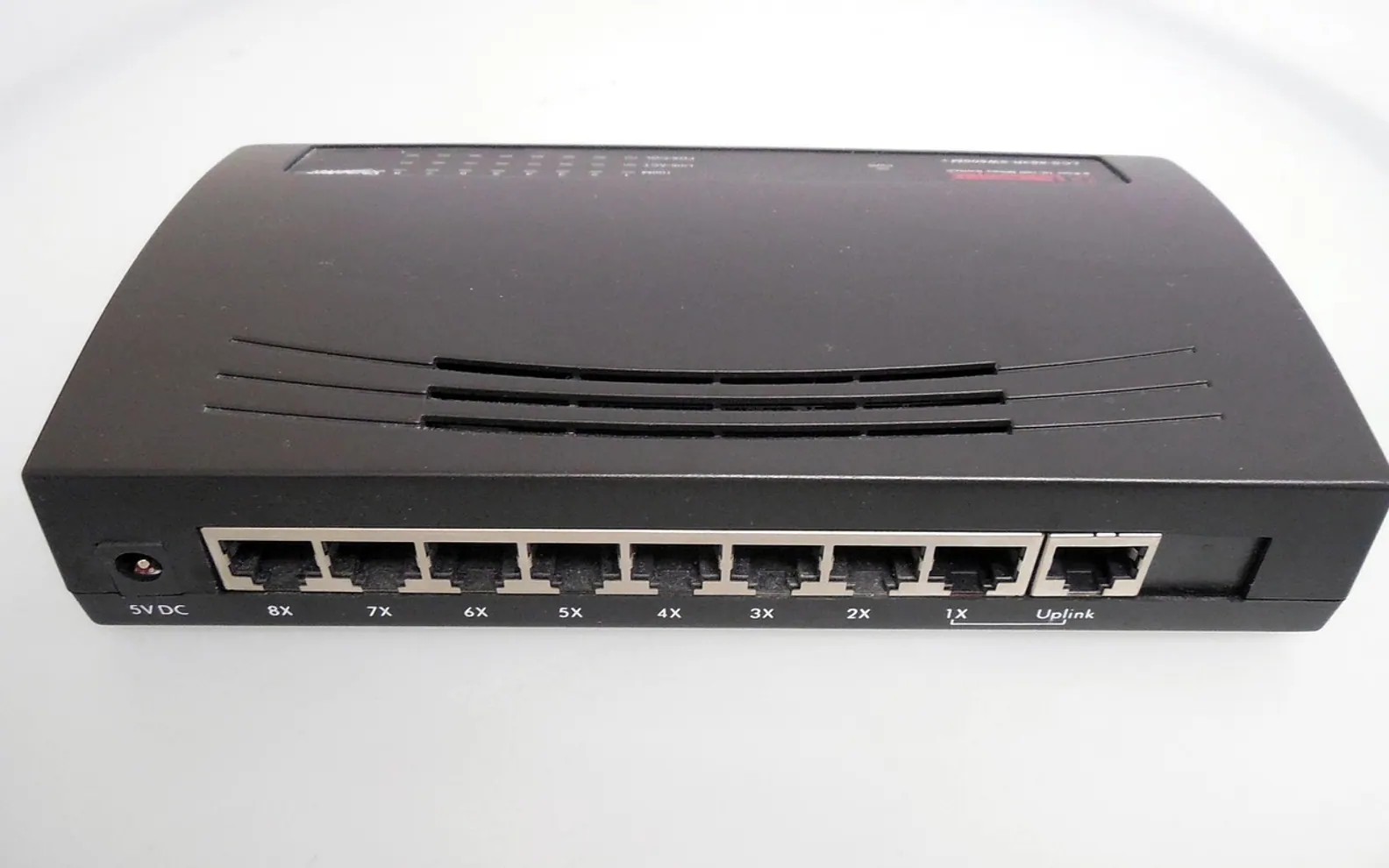
Every broadband advert, router box and speed test leads with the same three letters. Mbps sits next to the price as if it explained everything, yet many households only find out what it means when a film starts to stutter or a large download crawls along. The idea behind it is simpler than the marketing makes it look, and once it clicks, comparing offers and diagnosing slow evenings both get easier.
What the letters stand for
Mbps means megabits per second. It describes how much data a connection can move each second, which is why people call it bandwidth or speed. A bit is the smallest unit of digital information, a single one or zero. A megabit is a million of them. So a connection rated at a certain number of Mbps can, in ideal conditions, carry that many million bits every second.
The key word is "can". The advertised figure is a ceiling, not a promise for every minute of the day. What actually reaches a laptop or TV depends on the line, the router, the Wi-Fi and how many other things are using the connection at the same moment.
Megabits versus megabytes
The most common source of confusion is the difference between a small b and a capital B. Connection speeds use bits (Mbps). File sizes and download windows in many apps use bytes (MB/s). One byte is made of eight bits, so the two numbers never match.
| Written as | Means | Usually seen on |
|---|---|---|
| Mbps or Mb/s | Megabits per second | Broadband plans, speed tests, router specs |
| MBps or MB/s | Megabytes per second | Download managers, game launchers, file copies |
| Gbps | Gigabits per second (a thousand megabits) | Fibre plans, network ports, newer routers |
To turn one into the other, divide the Mbps figure by eight to get MB/s, or multiply MB/s by eight to get Mbps. That simple step explains why a download window often shows a number that looks far lower than the plan on the bill: it is the same speed written in a different unit.
Download and upload are two separate numbers
Plans usually quote a download speed first. That is the direction from the internet to your home, and it covers streaming, browsing and installing apps. Upload is the opposite direction: sending video in a call, backing up photos to the cloud or sharing a large file with a colleague.
On many connections the upload figure is much smaller than the download figure. For a household that mostly watches, that is rarely a problem. For someone who works from home, joins video meetings all day or uploads big projects, it is worth reading the upload number just as carefully.
What Mbps does not tell you
Bandwidth is only one part of how a connection feels. Two other measurements appear on most speed tests:
- Latency (ping): how long a small piece of data takes to make a round trip, measured in milliseconds. Low latency matters for calls and online games far more than raw bandwidth.
- Jitter: how much that delay varies from moment to moment. Steady timing keeps calls and live streams smooth.
- Packet loss: data that never arrives and has to be sent again, which shows up as freezes or robotic audio.
A connection with plenty of Mbps can still feel sluggish if latency jumps around. That is also why gamers treat delay as its own subject, separate from the speed on the bill.
How much speed does a home need?
There is no single right number, because it depends on how many people are online at once and what they are doing. A useful way to think about it is to add up the busiest moment of a typical evening rather than the average day.
- List the devices that are often busy at the same time: the living-room TV, a games console, laptops, phones.
- Check the help pages of the services you use most. Streaming platforms and video-call tools publish their own recommended speeds for each picture quality.
- Add those recommendations together and leave some headroom for updates and background backups.
- Compare the total with the plan's download and upload figures, and with what your own speed tests show in the evening.
Higher-resolution streaming, such as the 4K options that internet television increasingly offers, needs more bandwidth than standard definition. Our look at why internet TV keeps gaining ground touches on why a steady connection has become the backbone of the living room.
Reading a speed test properly
A single test is a snapshot. To get a picture you can trust, run a few tests at different times and in different rooms. Test once with a laptop connected to the router by cable and once over Wi-Fi in the room where the problem appears. If the cabled result is close to the plan but the Wi-Fi result is not, the bottleneck is inside the home rather than on the line, and options such as moving the router or using a powerline adapter are worth a look.
If even the cabled test falls well short of the plan, especially at the same hours every day, keep a note of the dates and results. That record makes a conversation with the provider far more productive than a general complaint that "the internet is slow".
The short version
Mbps measures how much data a connection can carry each second. Divide by eight to compare it with file-size speeds, read upload as carefully as download, and remember that latency decides how responsive the connection feels. With those three ideas in mind, broadband offers and speed tests become far easier to read.
Across the sections
Editor’s picks
 TechnologyAI Headshot Generators: The Fast Track to Professional-Looking Photos3 min
 BusinessEnhancing RAG Systems Through User Feedback2 min
 TechnologyWhat Is a Streaming Stick? A Plain Look at the Plug-In TV Gadget4 min
 BusinessFrom Nigeria to the World: Exploring Citizenship by Investment Programs Abroad3 min
Spotted a mistake?
Suggestions help us plan.