ExplainedCreator StudioDigital
What Is White Balance? Keeping Skin Tones and Whites True on Camera
White balance tells a camera what neutral white looks like under the light in the room. What it does, colour temperature in kelvin and how to set it.
3 min read
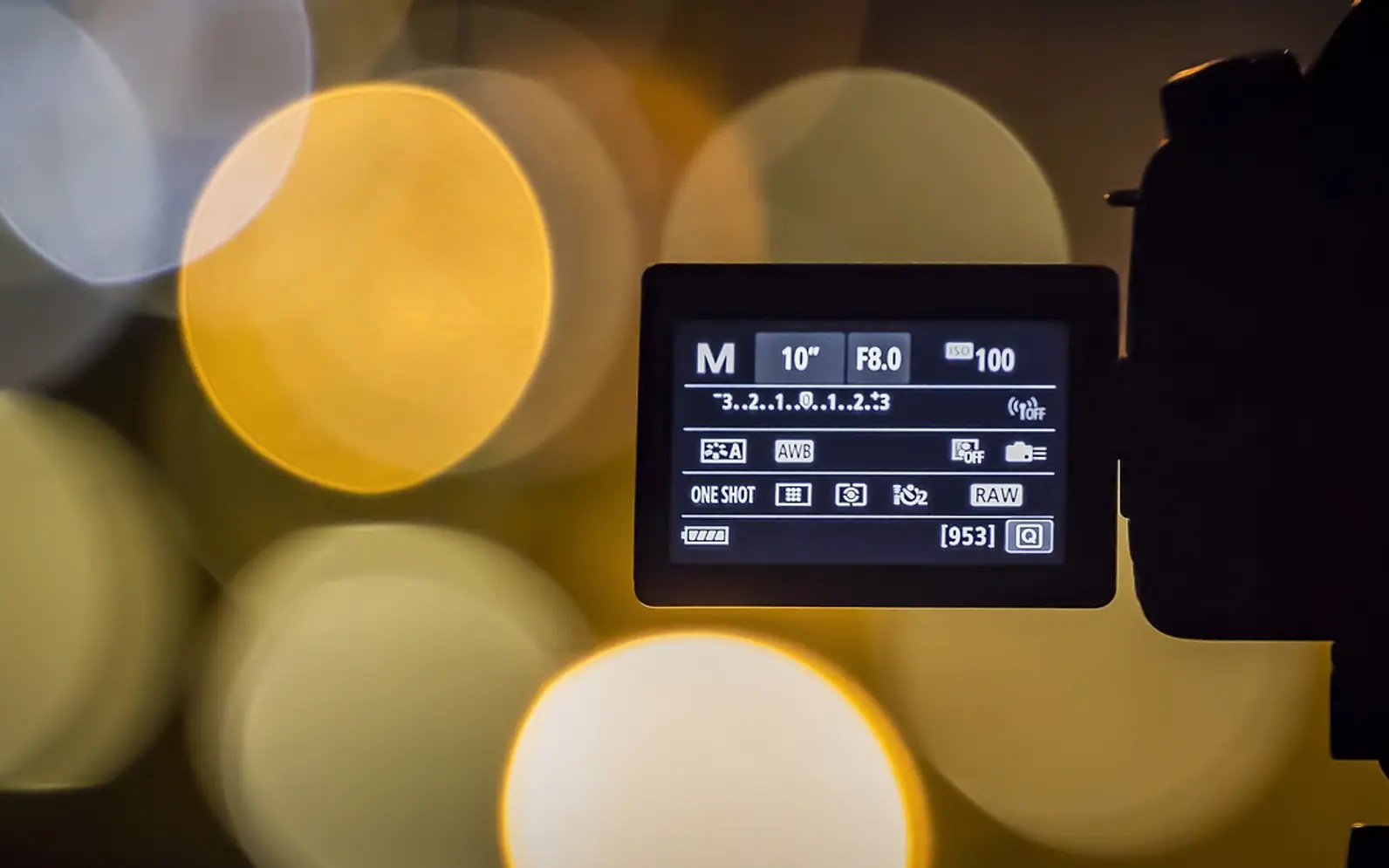
White balance is the setting that tells a camera what pure white should look like under the light it is filming in. Get it right and a white shirt looks white, skin looks natural and the rest of the colours fall into place. Get it wrong and the whole picture leans orange, blue or occasionally green, however sharp and well exposed it is.
Human eyes adjust to the colour of light so quickly that most people never notice it. A sheet of paper looks white under a warm table lamp and white again outside at noon. A camera sensor does not adapt on its own. It records the light exactly as it arrives, and white balance is the correction that makes up the difference.
Colour temperature in plain terms
The colour of light is described as its colour temperature, measured in kelvin (K). The scale feels back to front at first: lower numbers are warmer and more orange, higher numbers cooler and bluer.
| Light source | Rough position on the scale | How it looks on camera if left uncorrected |
|---|---|---|
| Candle flame | Very low, deep warm | Strong orange |
| Household bulbs labelled "warm white" | Low | Orange-yellow cast |
| Bulbs labelled "cool white" | Middle | Fairly neutral, slightly cold |
| Midday daylight | Middle to high | Close to neutral |
| Open shade or overcast sky | High | Blue cast |
The exact kelvin figure for a lamp is usually printed on the bulb's packaging. The same numbers turn up when buying garden fittings, which is why the guide to picking outdoor LED spotlights spends time on warm and cool tones.
The three ways to set it
Automatic
Phones and cameras guess the light continuously and adjust. Auto is usually fine for snapshots. For video it has a catch: the camera keeps re-guessing, so the picture can drift warmer or cooler mid-shot when someone in a bright jumper walks into frame or a cloud covers the sun.
Presets
Most cameras offer symbols for daylight, cloudy, shade, tungsten (household bulbs) and fluorescent. Choosing the one that matches the room fixes the setting so it no longer wanders. Presets are a good middle ground for beginners.
Custom or kelvin
The most accurate method is to show the camera something neutral. Fill the frame with a sheet of plain white paper or a grey card under the same light as the subject, then use the custom white balance function to take a reference. Many cameras and some phone video apps also let the kelvin value be typed in directly.
Mixed light: the real problem
A single source is easy to balance. Trouble starts when two different colours of light reach the same face, such as cold daylight from a window on one side and a warm lamp on the other. White balance can only be set for one of them, so one cheek turns blue or the other turns orange.
- Switch off the light that does not match, or close the curtain.
- Choose bulbs with the same colour rating for every lamp in shot.
- Where daylight dominates, use daylight-balanced lamps to fill in.
Building a lighting setup around one consistent colour is covered in the piece on key, fill and back light for video calls.
Fixing it afterwards
Editing software can shift white balance after the fact, and a small error is usually easy to remove. Large errors are harder: once a sensor has recorded a very orange image, some colour detail has already been lost, especially in compressed phone video. Skin tones are the giveaway. They tend to look slightly waxy or grey after heavy correction. Fixing balance belongs to the repair stage of editing, before any creative look is applied, as described in colour correction versus colour grading.
Photos are more forgiving when shot in a raw format, because the white balance is stored as a setting rather than baked into the picture.
Common questions
Should the picture always look perfectly neutral?
No. A slightly warm balance can make an evening scene feel cosy, and a cool one can make winter look colder. The aim is a deliberate choice rather than an accident that changes from shot to shot.
Why do portraits look odd after an app "fixes" the colours?
Automatic tools sometimes treat skin as the thing to neutralise. Portrait tools, including the generators covered in the article on AI headshot generators, work best from a source photo with natural, evenly balanced colour, so it pays to start with a clean original.
Does white balance affect exposure?
Not directly. It changes colour, not brightness, although a heavily corrected image can look a little darker or lighter overall.
Across the sections
Editor’s picks
 TechnologyAI Headshot Generators: The Fast Track to Professional-Looking Photos3 min
 BusinessEnhancing RAG Systems Through User Feedback2 min
 TechnologyWhat Is a Streaming Stick? A Plain Look at the Plug-In TV Gadget4 min
 BusinessFrom Nigeria to the World: Exploring Citizenship by Investment Programs Abroad3 min
Spotted a mistake?
Suggestions help us plan.
Also explained in Creator Studio
 Creator Studio
What Is a Lavalier Microphone? Clip-On Mics for Video, Interviews and Calls
5 min Creator Studio
What Is a Jump Cut? J-Cuts, L-Cuts and Other Basic Video Edits
4 min Creator Studio
What Is B-Roll? Cutaway Footage That Keeps Videos Watchable
4 min Creator Studio
What Does Royalty-Free Mean? Music for Videos and Podcasts Explained
4 min Creator Studio
Colour Correction vs Colour Grading: What Each Editing Step Does
4 min Creator Studio
Three-Point Lighting for Video Calls: Key, Fill and Back Light at Home
5 min